Centimetre-Level RTK Positioning for Professional Survey Operations
Engineered for Accuracy, Designed for Versatile Deployment
DJI Modify 3D Model Editing Software Available Across Africa from Aerosmart Africa, Authorised DJI Enterprise Dealer
Advanced Logistics Infrastructure Backed by Seamless Inventory Management
Established Channel Partnerships Across 30+ African Countries
Strategic Warehousing Across Key African Markets
Comprehensive Pre-Sales Consultation & Solution Engineering
DJI Modify handles the step between a processed 3D model and a model the client will accept. Photogrammetric reconstruction produces accurate geometry, but it also faithfully reproduces every parked vehicle on the site, every reflective water surface that confused the matching algorithm, and every texture artefact where image overlap produced inconsistent blending. Those artefacts do not affect the model's measurement accuracy but they do affect whether the deliverable looks professional when it is presented to a client, a planning authority, or a project board.
DJI Modify removes them intelligently. AI vehicle detection identifies every car in the model and flattens them to road level in a single batch operation. Texture repair tools correct visual inconsistencies through erase and clone functions. High and low resolution models display and edit simultaneously, so the impact of every change is visible at both detail and overview scale in the same session.
Aerosmart supplies and supports DJI Modify as an authorised DJI Enterprise dealer across Africa, including subscription activation, Terra-to-Modify workflow integration, and the editing technique training that gets survey teams producing polished deliverables efficiently.
Editing capability, workflow integration, and output at a glance.
Parked vehicles are the most consistent visual problem in urban and site photogrammetry. They appear as irregular extrusions on road and car park surfaces, they date the model to a specific moment, and in earthwork and surface analysis applications they distort the terrain surface the model is supposed to represent.
Manual removal in conventional 3D software means selecting each vehicle individually, deleting it, and repairing the surface and texture beneath a process measured in minutes per vehicle. On a city block model with sixty vehicles, that is hours of skilled editing time before the deliverable is presentable.
DJI Modify's Vehicle function identifies every vehicle in the model view using AI recognition, and the Flatten function levels all of them to road surface in a single batch operation with automatic texture correction infilling from the surrounding surface. Sixty vehicles take the same time as six.
Photogrammetric texture problems concentrate in predictable places water surfaces where reflection defeats image matching, glass façades where specular highlights produce inconsistent texture, featureless concrete where the matching algorithm has nothing to lock onto, and the boundaries between image swaths where blending produces visible seams.
DJI Modify's texture repair tools address each of these through polygonal selection. The Erase tool analyses surrounding texture and generates a restoration consistent with the adjacent surface material. The Clone tool takes a designated source pattern and blends it into the target area with edge integration that eliminates the visible boundary that manual patching creates.
Activating the DJI Modify switch within a DJI Terra 3D modelling project automatically produces model files pre-processed for editing, with objects pre-identified and geometry prepared for immediate work on opening.
There is no manual export, no format conversion, and no file management between the two applications.
For African survey businesses running the complete DJI workflow — Matrice 400 or Matrice 350 RTK collection, DJI Terra processing, DJI Modify editing, and client delivery — the integrated pipeline compresses the total time from flight to deliverable.
This connected workflow provides an efficiency that separately operated software cannot match.




Why Operators Buy DJI Modify Through aerosmart
Every DJI Modify subscription is genuine, fully featured, and connected to DJI's official update programme.
Remote activation for operators across every African market aerosmart serves.
Advice on integrating DJI Modify into your existing Terra processing pipeline and deliverable production workflow.
Subscription tier assessment matched to your project volume and deliverable output requirements.
Dubai-based technical team for editing workflow guidance and export configuration troubleshooting.
Vehicle flattening workflow, texture repair technique, high and low model editing, and Terra-to-Modify pipeline training available remotely and in-person.
Contact aerosmart for subscription pricing and multi-seat organisational quotes.
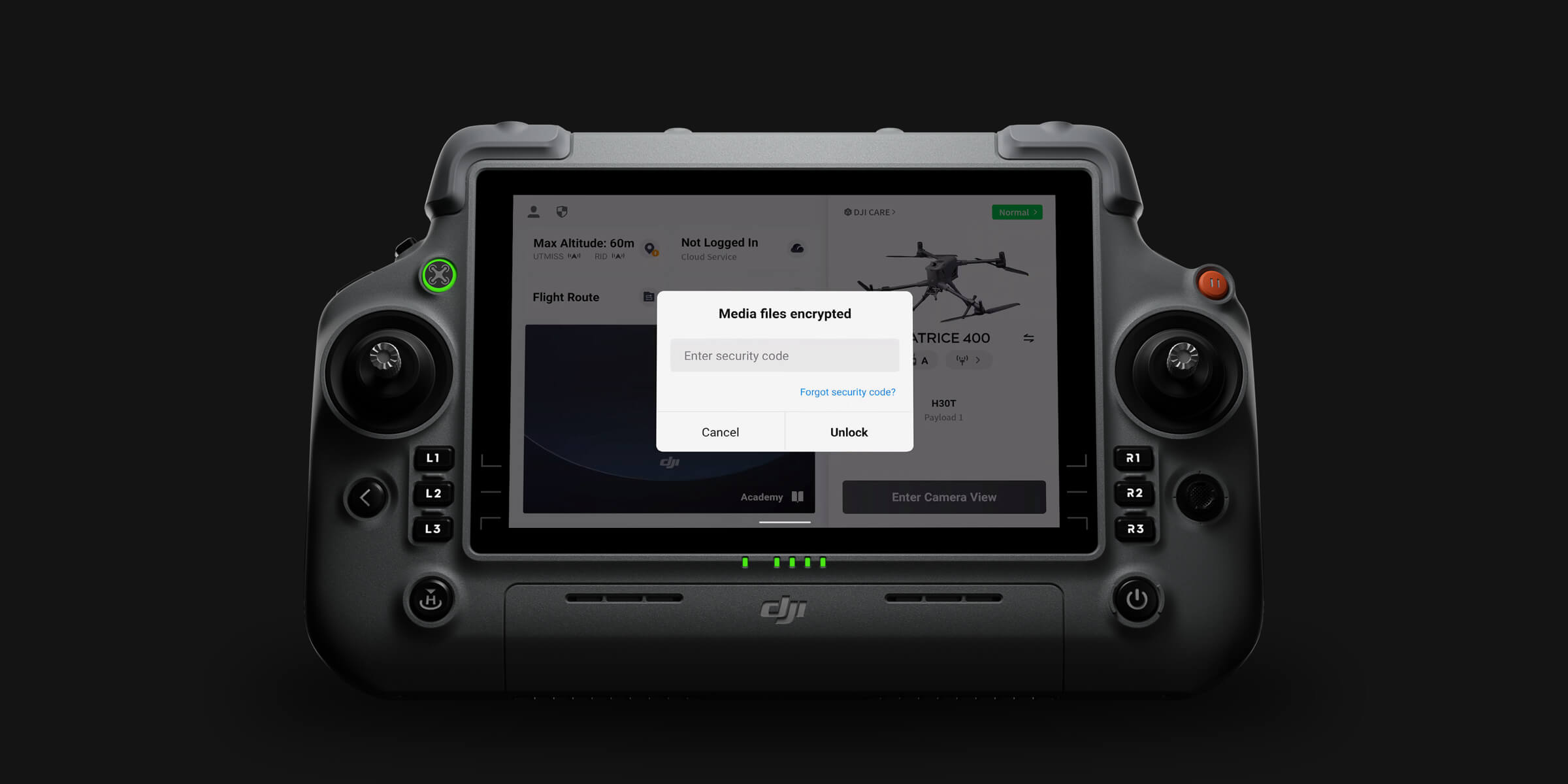
DJI Modify operates entirely on local hardware. 3D models, point clouds, and edited deliverables remain within the operator's controlled infrastructure throughout the editing workflow. For clients handling commercially sensitive site data or sovereign cadastral information across African markets, local-only editing removes cloud exposure entirely.
DJI Modify subscriptions are available from aerosmart, an authorised DJI Enterprise dealer, with remote activation across 14+ African countries. Contact our team for pricing advice.
DJI Modify is a 3D model editing platform with AI-powered vehicle detection and batch flattening, texture repair through erase and clone tools, surface protrusion flattening, mesh simplification, and simultaneous high and low resolution model editing, preparing processed 3D models for professional client delivery.
The Vehicle button uses AI to identify all vehicles in the current model view automatically. The Flatten button then levels every identified vehicle to road surface in a single batch operation with automatic texture correction infilling from surrounding surface material.
Yes. Activating the DJI Modify switch within a DJI Terra 3D modelling project automatically produces pre-processed model files ready for immediate editing, with no manual export, format conversion, or file management between applications.
Yes. Every DJI Zenmuse L3 purchase includes a complimentary 3-month DJI Modify subscription.
Yes. Both model versions display and edit simultaneously with changes synchronised in real time, allowing the operator to assess editing impact at both detail and overview scale within a single session.
Yes. DJI Modify operates entirely on local hardware without cloud connectivity, making it suitable for field-based editing and for organisations with data sovereignty requirements.
Subscription pricing varies by tier and seat count. Contact aerosmart at Sales@aerosmartglobal.com for an accurate quote.

Fill in your details below and our team will get back to you
with a personalized quote.